Account Administrator
As your company’s account administrator, you have extended permissions compared to a regular user. Examples include:
Add/Remove Users (Web)
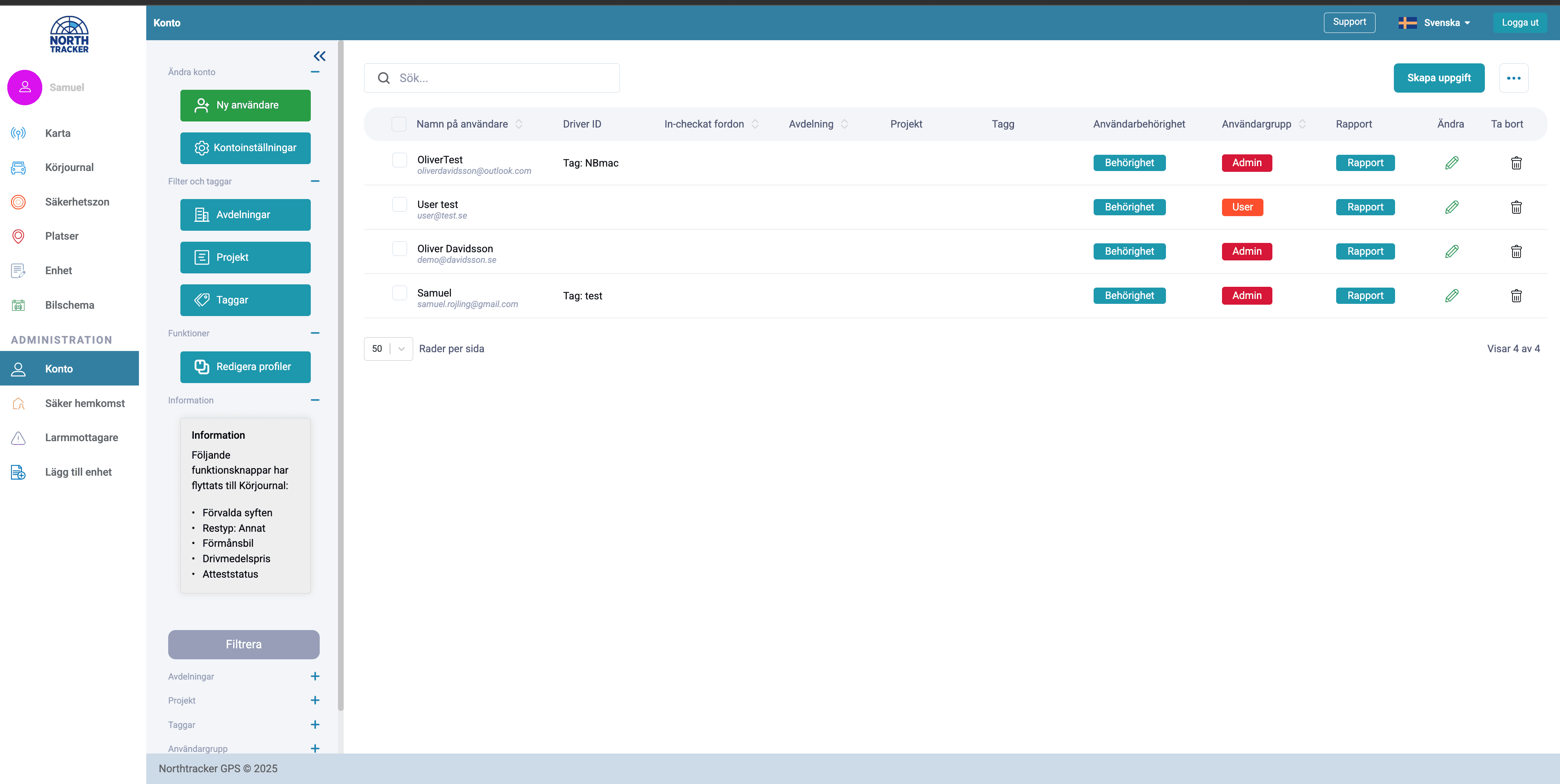
As a company account administrator, you can both add and remove users within the organization.
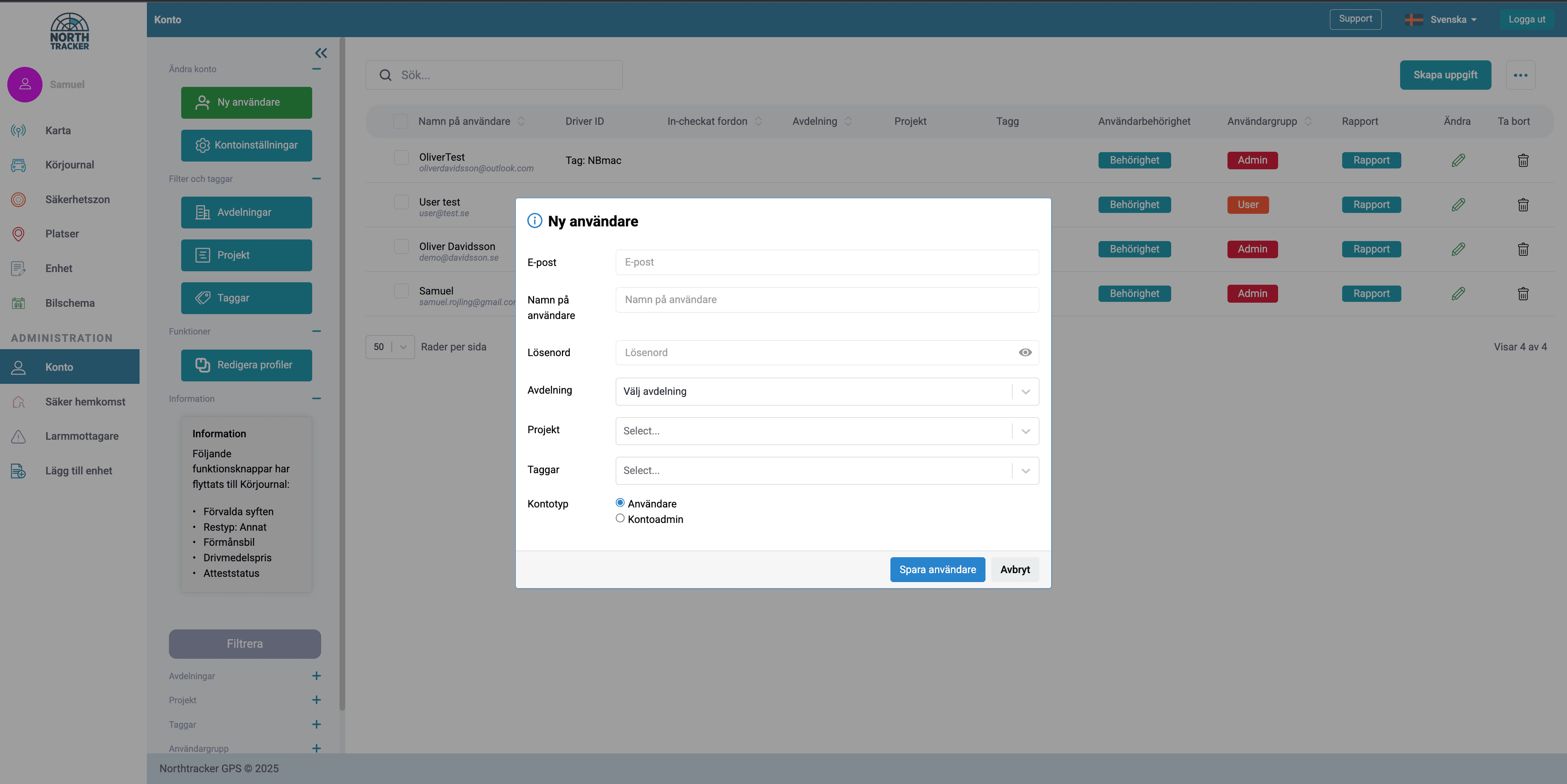
To add a user:
Click on Account >> New User
To remove a user:
Click on Account >> Click the trash can icon on the far right of the user you want to remove.
Assign Devices to Users (Web)
To assign devices to users, click:
>> Account >> Permissions >> Assign device to selected user

Add New Devices (Web)
To add new devices, click:
>> Add device
>> Fill in details
>> Save

View All Assigned Vehicles on the Map (Web)
The map is the first thing you see when you log in. Drivers who have approved visibility will appear on the map in real time.

Edit Alarm Recipients
To add additional alarm recipients, click:
>> Alarm recipients

Generate Reports for All Devices
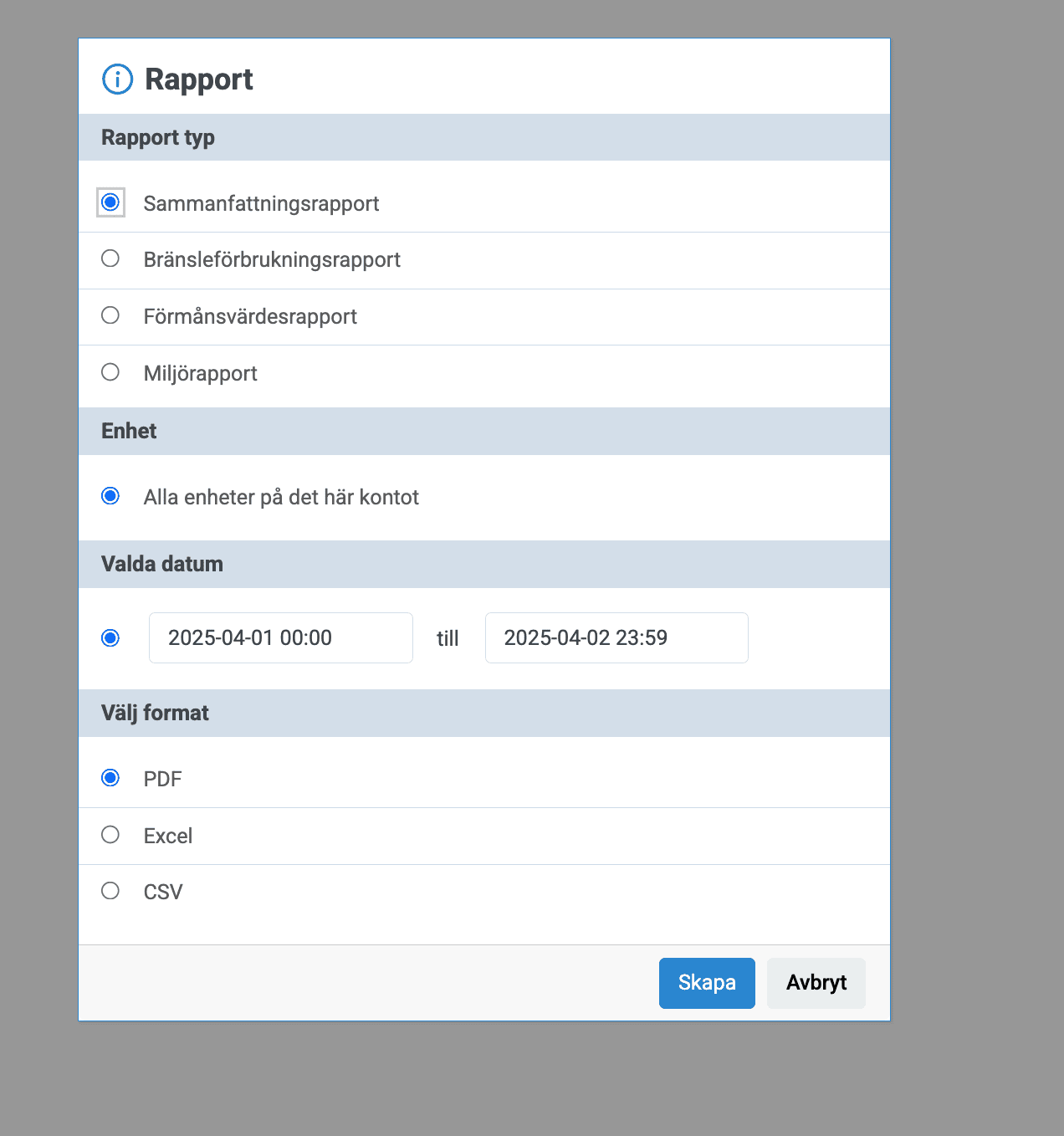
As an administrator, you can generate a summary report as well as driving logs for the drivers you have permission for.

By filling in this form, you agree to us processing your data. Read more about how we handle your data here: Link to privacy policy
By filling in this form, you agree to us processing your data. Read more about how we handle your data here: Link to privacy policy