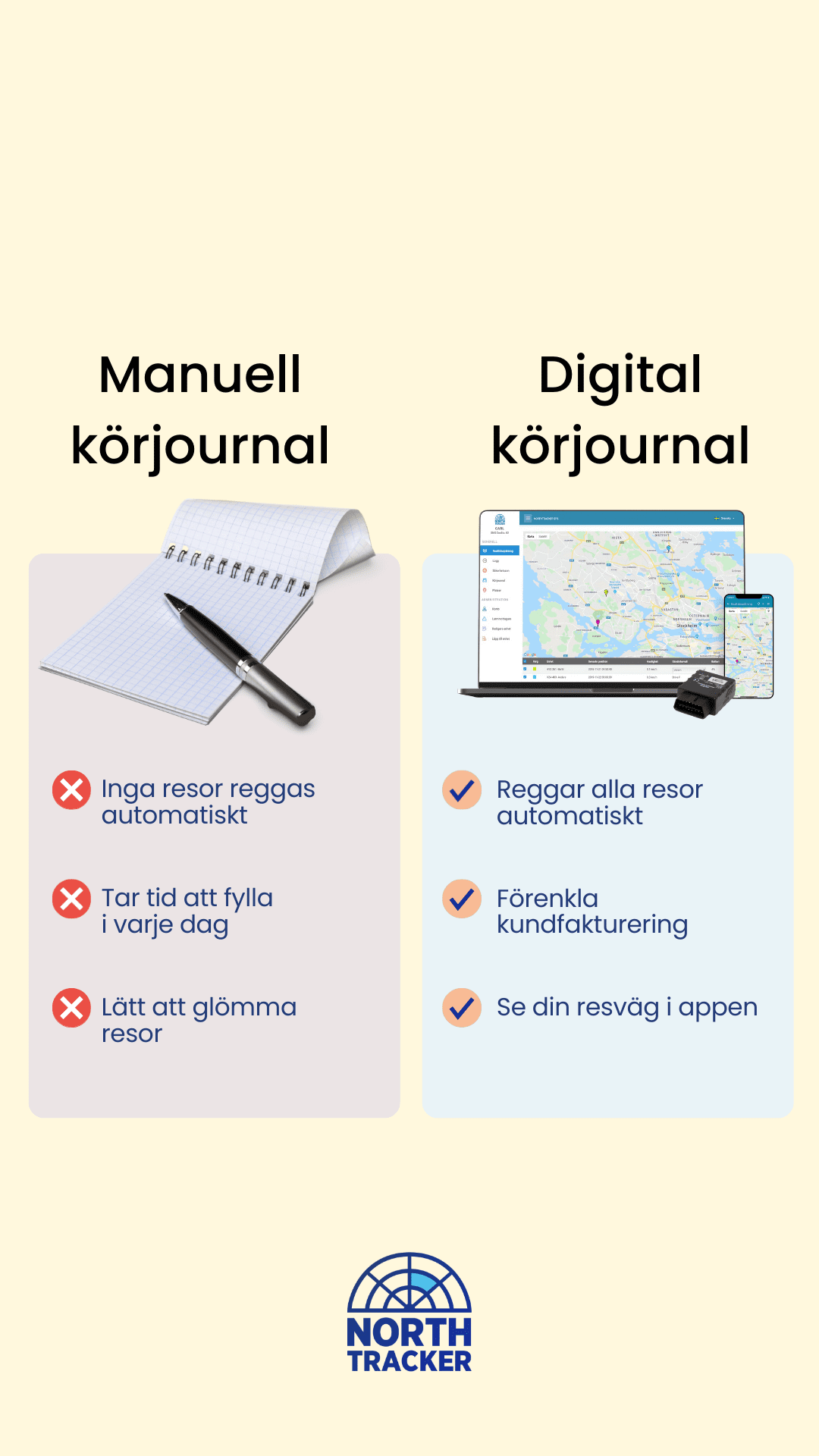































Why use a Driving log?
The best way to demonstrate that an employee primarily uses a company vehicle for business purposes is to maintain a detailed and accurate Driving log. This means recording all journeys in the vehicle in a structured and compliant manner.
Company car or not?
In the UK, company cars are generally treated as a taxable Benefit in Kind (BIK). The tax payable depends on factors such as the vehicle’s list price, CO₂ emissions, fuel type, and the employee’s income tax band.
A Driving log is particularly important to:
-
Distinguish between business and private mileage
-
Support mileage reimbursement claims
-
Provide evidence in case of an HMRC compliance check
Unlike Sweden, the UK does not apply a strict “10 trips / 100 mil” rule. Instead, HMRC requires accurate mileage records to support tax calculations and reimbursements.
Business mileage and reimbursement
Employers can reimburse employees using HMRC’s Approved Mileage Allowance Payments (AMAP):
-
45p per mile for the first 10,000 business miles per tax year
-
25p per mile thereafter
For company cars, different advisory fuel rates apply depending on fuel type and engine size.
To support these claims, a Driving log should include:
-
Date of journey
-
Start and end location
-
Purpose of the trip
-
Distance travelled
Accurate records are essential to ensure compliance and avoid under- or overpayment of tax.
Fuel
If an employer pays for fuel used for private journeys in a company car, a separate fuel benefit charge may apply unless the employee fully reimburses the cost of private fuel.
A Driving log makes it easy to:
-
Separate business and private mileage
-
Calculate fuel reimbursements correctly
-
Provide documentation required by HMRC
Maintaining a compliant Driving log ensures transparency, simplifies administration, and reduces the risk of penalties during an HMRC audit.