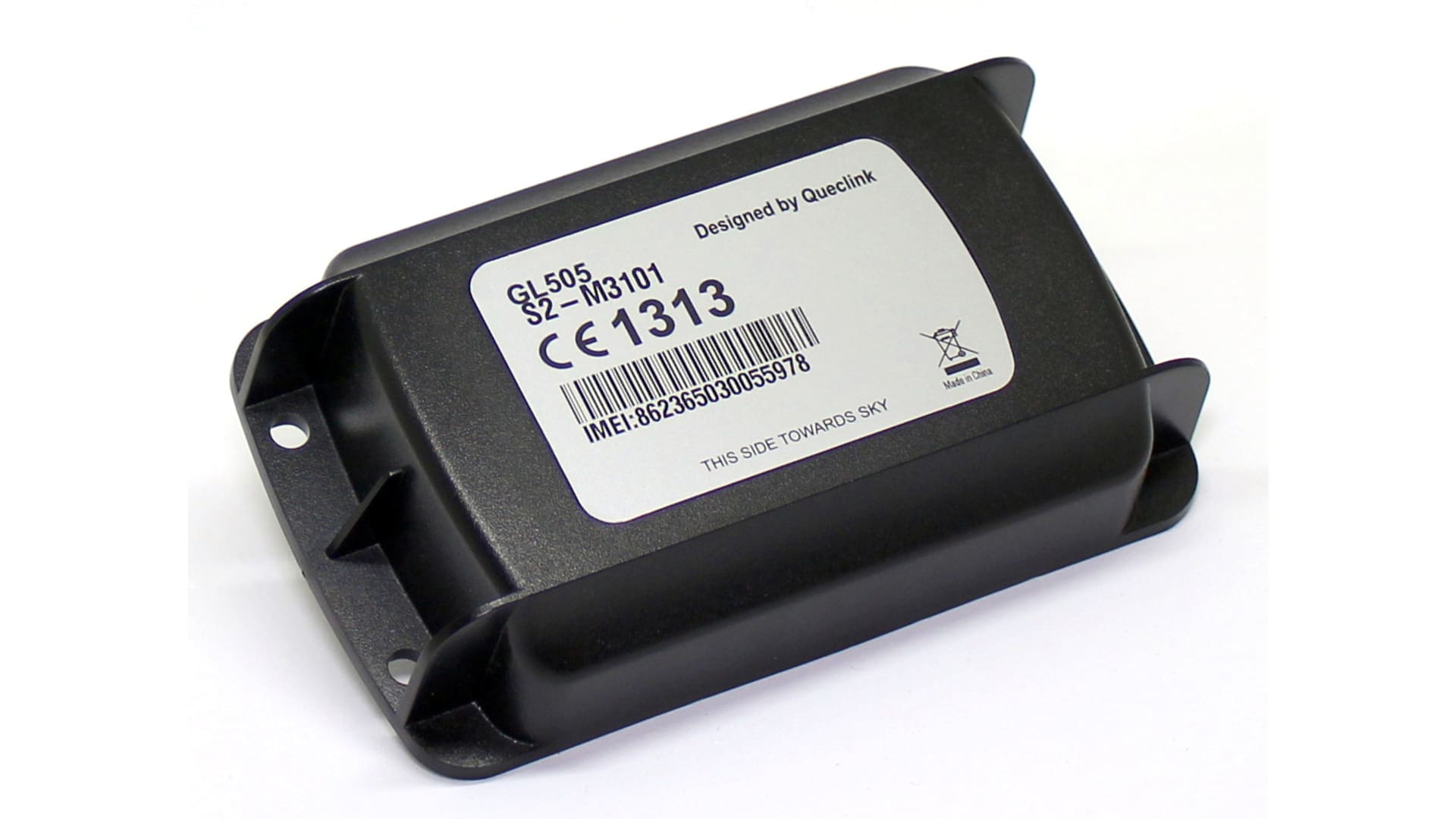
The subscription is activated automatically when you register an account and enter the device’s IMEI number.
The invoice is normally sent the month after registration.
Contact support and send a copy to the owner of the other account. Both parties will need to confirm the account merger.
Contact support and we will assist you with the change of ownership.
You may have run out of SMS credits. You can purchase more in our webshop.
Also make sure you have added your phone number under Alarm Recipients and selected that you want to receive notifications from the correct device.
Yes. You do this under Alarm Recipients. Tap the green pencil and enable push notifications.
It must be an existing user, and the push notification will be sent to the user who was most recently logged in with those login details. It cannot be sent to multiple users if several are logged in with the same credentials.
Click the user icon in the top left corner.
Follow the instructions to update the password.
Open the menu in the top left corner.
Go to Account.
Swipe right on the user whose password you want to change, tap the green pencil icon, and update the password.
Click “Forgot your password”.
Enter your email address.
A reset link will be sent to your email.
Tap “Forgot password”.
Enter your email address.
A reset link will be sent to your email.
Yes, you can add multiple users with different permission levels.
You can easily add users under Account.
In the app, tap the + in the top right corner.
On the web, add a new user under Account using the New user button (on the left).
Contact our support team if you wish to close your account.
We will help you delete all data in accordance with GDPR.



For further questions, contact NorthTracker support:
Tel: +468 – 25 96 00
Email: info@northtracker.com

By filling in this form, you agree to us processing your data. Read more about how we handle your data here: Link to privacy policy
By filling in this form, you agree to us processing your data. Read more about how we handle your data here: Link to privacy policy