Automatic DIN/DOUT means that a signal on the digital input (DIN) in Machine Connect automatically triggers the digital output (DOUT). No manual action is required. A notification is sent when the event occurs.

IR sensor (DIN) and siren (DOUT).
Level sensor (DIN) and bilge pump (DOUT).
The device does not need network or GPS to carry out the automatic function. It only needs internet to receive the command — it then executes it offline.
Yes! You simply turn it off in the app.
No. Currently, it is only possible to activate one DOUT.

Click DEVICE.
Select Alarm: DIN2 or Alarm: DIN3.
Check which cable corresponds to the selected DIN.
Name your DIN.
Enable the toggle for Automatic DOUT activation.
Select which DOUT should be controlled by the chosen DIN.
Choose whether it should activate at Low (<2.5V) or High (>2.5V) voltage.
Set the activation duration:
Until DIN (2 or 3) returns to (High or Low), or
Set fixed duration (maximum 65,000 seconds).
Click Save.
Done.


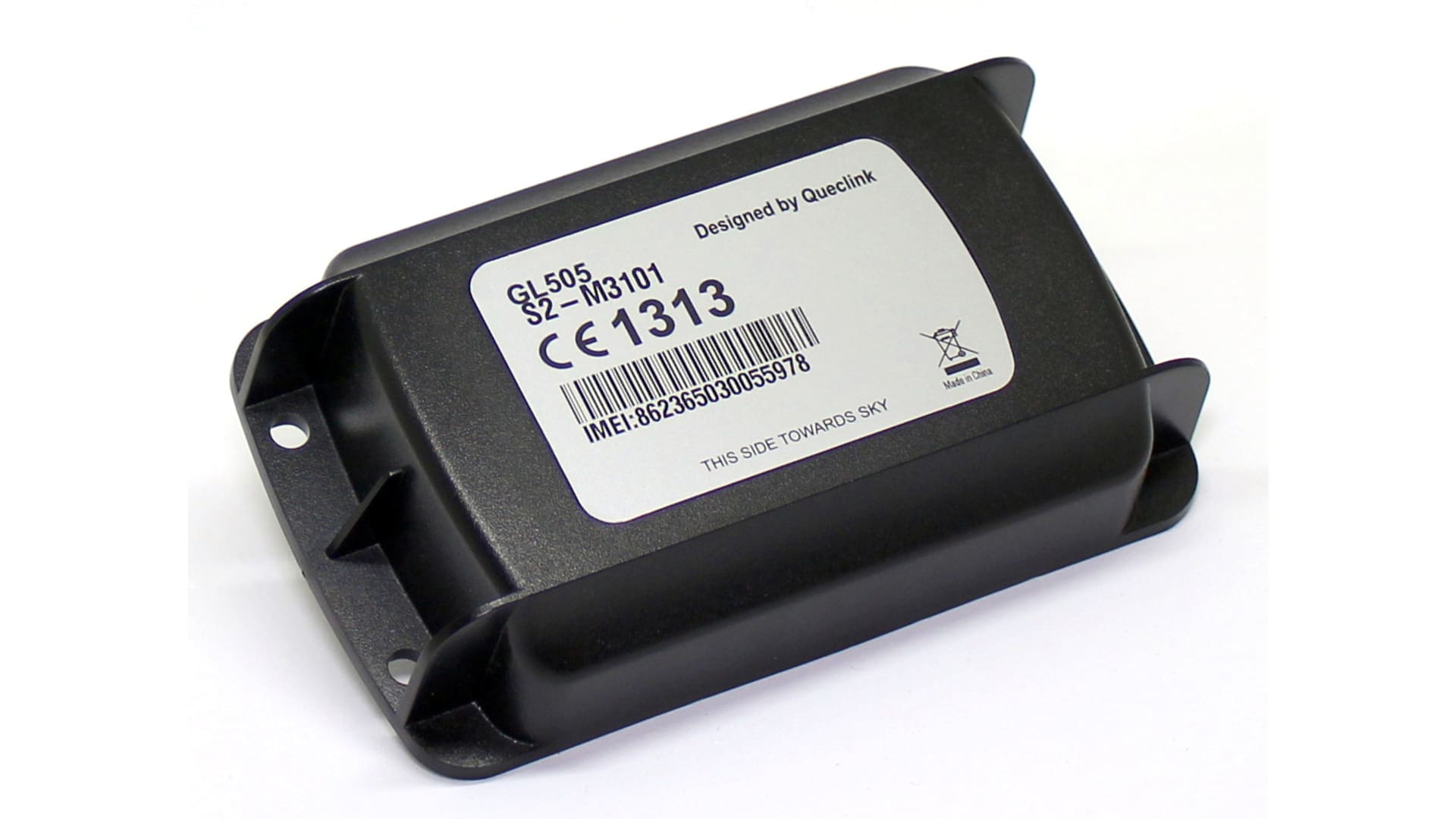

If you still have questions, contact NorthTracker support:
Tel: +46 8 25 96 00
Email: info@northtracker.com
By filling in this form, you agree to us processing your data. Read more about how we handle your data here: Link to privacy policy
By filling in this form, you agree to us processing your data. Read more about how we handle your data here: Link to privacy policy